API Integration in Dubai: Connecting ERP, CRM and Custom Software
I am Sanket Shah, founder and CEO of Deuex Solutions, where I focus on building scalable web mobile and data driven software products with a background in software development. I enjoy turning ideas into reliable digital solutions and working with teams to solve real world problems through technology.
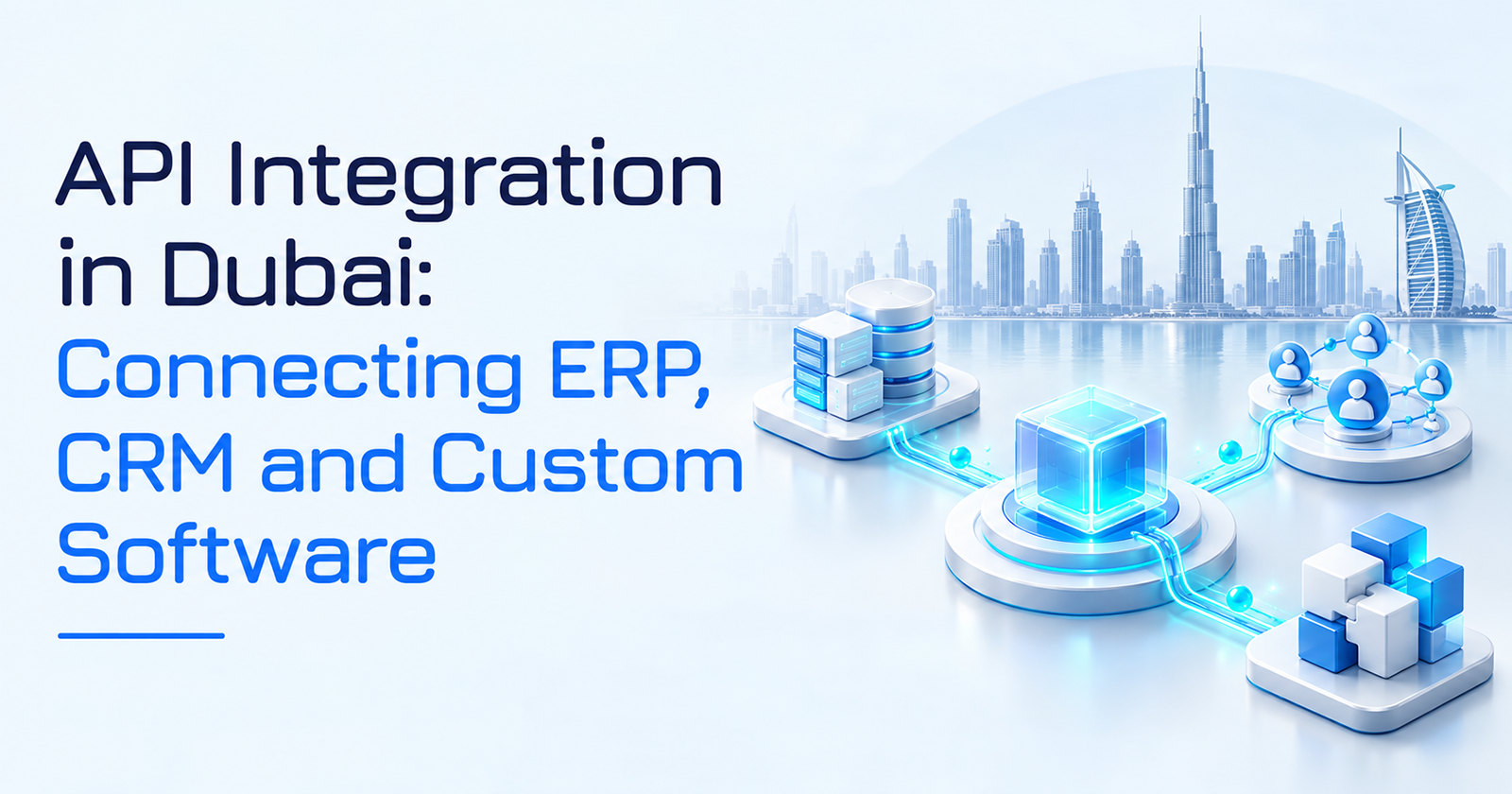
API integration in Dubai helps businesses connect ERP, CRM, custom software, portals, and other platforms so information moves between them without repeated manual entry. The real challenge is deciding which system owns each piece of data, when updates should move, and what happens when one application is unavailable.
For growing UAE businesses, the objective is not to make every application store the same information. It is to create a dependable flow where sales, finance, operations, and customer-facing software work from clearly defined sources.
Quick Summary / Key Takeaways
API integration Dubai projects connect ERP, CRM, custom applications, ecommerce platforms, finance tools, customer portals, logistics systems, and other software through defined interfaces.
ERP usually owns financial and operational records. CRM typically owns sales relationships and pipeline activity. Custom software may handle workflows that make the business distinctive.
The first question should be which system owns the record, not “which API should we build?”
UAE businesses increasingly operate in an API-first environment. The UAE Government’s API-First Policy is designed to support connected digital services and formalize how systems access and exchange government data and services.
Dubai’s digital direction is moving the same way. In April 2026, Digital Dubai announced a push to connect government services through unified systems and data rather than isolated digital platforms.
ERP connections often need careful handling of customer accounts, products, taxes, invoices, inventory, and transaction status.
CRM connections should move the right sales and customer context without turning the CRM into a duplicate ERP.
Custom applications are often best used for distinctive workflows, while packaged ERP and CRM products continue owning standard records.
Real-time APIs are not always the answer. Some workflows should use webhooks, queues, scheduled data exchange, or event-driven processing.
Security, versioning, logs, retries, ownership, monitoring, and documentation should be planned before production.
Research by Michiel Overeem, Max Mathijssen, and Slinger Jansen found that mature API management spans lifecycle management, security, performance, observability, community, and commercial concerns rather than API coding alone.
A 2026 review by Puganeswaran Kannan and fellow researchers found that REST and SOAP still serve different enterprise needs. The right choice depends on architecture, security, contracts, reliability, and the systems being connected.
Deuex Solutions UAE works with businesses that need custom software, connected systems, cloud applications, data products, and AI-backed workflows without adding another isolated application to the stack.
Someone Counted the Copy and Paste
For one Wednesday, a fictional Dubai distribution company asked employees to do something strange.
Every time they copied information from one application into another, they placed a mark on a shared sheet.
Customer number copied from CRM to ERP.
One mark.
Delivery address copied from ERP into the operations portal.
Another.
Quotation reference pasted into the finance system.
Another.
Salesperson copies order status back into CRM.
Another.
By late afternoon, there were 87 marks.
Nobody had entered the same information 87 times.
That would have been obvious.
The problem was smaller.
A name here.
A reference number there.
An invoice amount.
An expected delivery date.
A stock code.
A customer status.
Five seconds. Ten seconds. Thirty seconds.
Individually harmless.
Collectively, the company had built a human API.
Employees were carrying information between software because the applications could not do it reliably themselves.
The obvious reaction was:
“We need to integrate everything.”
That sounded right.
It was also too vague.
The more useful question was:
Which information should move between which systems, and which application should be trusted when the records disagree?
That became the actual project.
What Is API Integration?
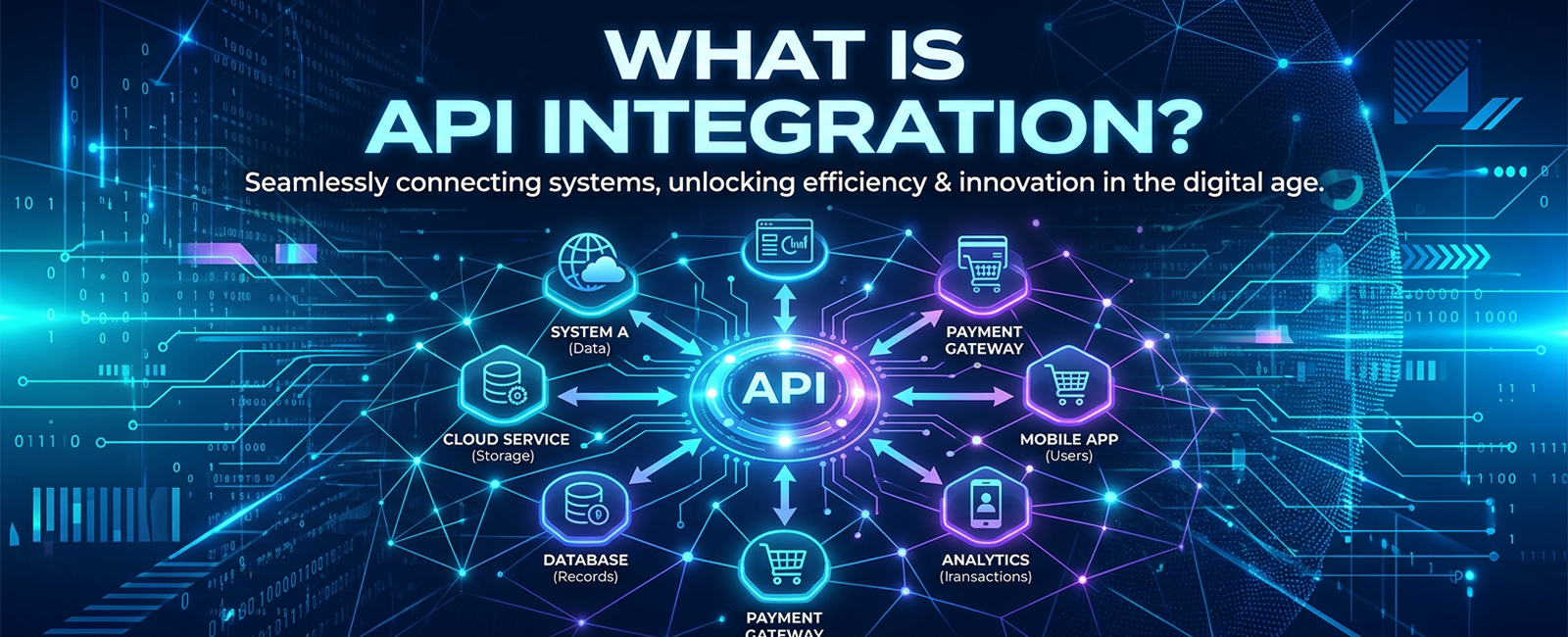
API integration connects software applications through defined programmatic interfaces so one system can retrieve information from another, send an update, or trigger a business action.
For example:
CRM records a closed deal.
That event may cause other systems to:
Create or update the customer in ERP
Generate an order record
Send project information to a custom operations application
Notify finance
Create an onboarding workflow
Open a customer portal account
The salesperson should not need to enter the same company five times.
An API makes the connection possible.
The integration design determines whether the connection is trustworthy.
That design includes:
Data ownership
Authentication
Permissions
Field mapping
Business rules
Error handling
Retries
Duplicate prevention
Logging
Monitoring
Version management
Recovery
The API itself is a doorway.
The business process decides what should walk through it.
Why Does API Integration Matter in Dubai?
Dubai businesses rarely operate inside one application.
A growing company may use:
Salesforce, HubSpot, Zoho, or another CRM
SAP, Oracle, Microsoft Dynamics, Odoo, NetSuite, or a custom ERP
Ecommerce software
Payment providers
Warehouse platforms
Customer portals
Mobile applications
HR systems
Cloud data platforms
AI assistants
Industry-specific tools
Growth adds another layer.
A company begins in Dubai, opens operations elsewhere in the UAE, enters Saudi Arabia, adds another legal entity, and suddenly the software estate reflects several years of decisions made at different stages.
The UAE’s broader digital policy recognizes APIs as building blocks for connected services. Its API-First Policy provides guidance around exposing and consuming digital services through defined interfaces rather than relying on isolated systems.
Dubai is also moving toward more connected public digital infrastructure. An April 2026 Digital Dubai announcement directed government entities toward a unified digital platform where systems and data work together rather than sitting behind disconnected service experiences.
Private businesses face the same architectural question on a smaller scale.
How many applications should an employee have to open before one customer request is complete?
ERP, CRM and Custom Software Should Not Own the Same Job
One cause of integration problems is unclear ownership.
The CRM starts storing invoices.
The ERP starts storing detailed sales notes.
The custom application keeps its own customer database.
Soon all three systems claim to know the customer.
They just disagree.
A better model gives each application a defined responsibility.
Business information | Likely system of record | Other applications may |
Leads and opportunities | CRM | Read pipeline and account context |
Customer financial account | ERP | Read credit and payment status |
Invoice and payment status | ERP | Show selected status to CRM or portal |
Product financial data | ERP | Supply price or inventory context |
Sales conversations | CRM | Share selected context with service teams |
Distinctive operational workflow | Custom software | Read customer and transaction data |
Customer portal profile | CRM or identity platform | Display operational and financial information |
Inventory quantity | ERP, WMS, or inventory platform | Expose availability |
Shipment status | Logistics platform | Send events to portal and CRM |
This does not mean data stays in only one place.
It means one place has authority.
That distinction is small on an architecture diagram.
Operationally, it changes everything.
What Does ERP Integration in the UAE Usually Involve?
ERP integration UAE projects connect the financial and operational core of the business with the applications people use around it.
Common connections include:
CRM to ERP
Ecommerce to ERP
Warehouse to ERP
Procurement platform to ERP
Banking or payment systems
Customer portals
Mobile applications
eInvoicing workflows
Reporting platforms
Custom operations software
ERP data tends to carry consequences.
Creating the wrong customer record can affect finance.
Sending the wrong price can affect revenue.
Duplicating an invoice can become a customer dispute.
Reducing stock twice can disrupt fulfillment.
That means ERP connections need more than field mapping.
Suppose the CRM marks an opportunity as won.
Should the system immediately create an ERP customer?
Maybe.
What if finance still needs to verify tax information?
What if the customer already exists under another legal name?
What if sales entered the trading name while accounts receivable requires the registered company?
These are business rules.
An API can automate them only after someone defines them.
What Should a CRM Integration Do?
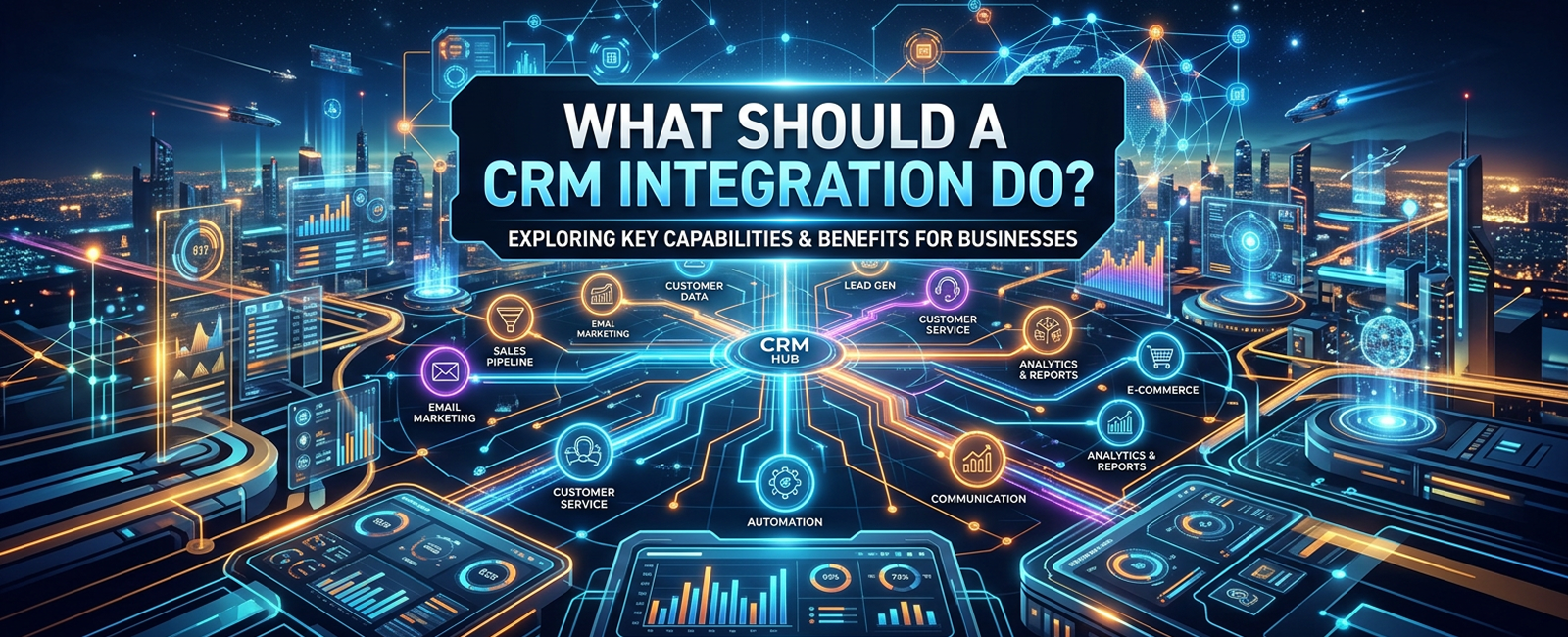
CRM integration Dubai projects work best when the CRM remains focused on relationships, sales activity, opportunities, and account context.
Sales teams commonly want to see:
Credit status
Open invoices
Order history
Delivery status
Support cases
Product usage
Contract renewal dates
They may need that information inside the CRM.
They do not necessarily need the CRM to own it.
This matters.
If the ERP is responsible for invoices, the CRM can display invoice status through an interface without creating another financial ledger.
If the operations application owns delivery milestones, those milestones can appear in CRM as customer context.
The user sees one useful view.
The underlying records retain clear ownership.
This is one reason businesses should resist the urge to make the CRM “do everything.”
A CRM is very good at some jobs.
Let it stay good at them.
Where Does Custom Software Fit?
Custom software becomes useful when the company has a workflow that does not fit neatly inside the ERP or CRM.
Examples might include:
Complex quotation logic
Multi-stage order fulfillment
Field-service planning
Equipment allocation
Customer onboarding
Industry-specific approvals
Service delivery tracking
Custom subscription logic
Partner workflows
Customer self-service
Internal operations dashboards
This is where system integration becomes strategic.
The business does not need to replace its ERP simply because the ERP cannot manage a distinctive workflow.
It may not need to heavily customize the CRM either.
A custom layer can sit between them.
CRM
|
Customer + Sales
|
v
Custom Workflow App
/ \
/ \
v v
ERP Customer Portal
Finance + Ops Self-Service View
The CRM owns the relationship.
The ERP owns the financial transaction.
The custom application owns the unusual process.
That separation often creates a cleaner system than forcing one product to become everything.
For a deeper comparison of those choices, see our guide on ERP, CRM, and custom software in Dubai.
The 87 Marks Started Disappearing
The fictional distributor did not automate every manual step.
That was deliberate.
The project began with three high-volume handoffs.
Sales to Finance
When an opportunity reached a defined stage, validated customer information moved from CRM into an approval queue for ERP creation.
No automatic finance account appeared from an incomplete lead.
Order to Operations
Once ERP created an approved order, the custom operations application received the order ID, customer, items, delivery requirements, and dates.
Operations stopped retyping them.
Operations Back to CRM
When project or delivery status changed, the CRM received selected milestones.
Sales could answer customer questions without calling operations.
The number of manual copy-and-paste actions dropped quickly.
The company had not “integrated everything.”
It had connected the places where repeated handoffs created the most delay and risk.
That is usually a better starting point.
Should You Use Point-to-Point APIs, Middleware or an Integration Platform?
There is no universal answer.
The architecture should reflect the number of systems, volume, workflow complexity, monitoring needs, and internal capability.
Approach | Good fit | Watch for |
Direct API connection | Two applications with a simple relationship | Becomes difficult when connections multiply |
Middleware | Several applications sharing mapping or business rules | Another platform to operate |
iPaaS | Common SaaS connections and moderate workflows | Licensing and connector limits |
API gateway | Several internal or external APIs need central policy | Does not replace all workflow logic |
Queue-based processing | Work should survive temporary outages | Requires retry and message management |
Event-driven architecture | Many systems react to the same business event | Greater architecture and monitoring demands |
Custom integration layer | Proprietary or complex operational workflows | Requires software ownership and maintenance |
Point-to-point connections often look cheap first.
CRM connects to ERP.
ERP connects to portal.
Portal connects to warehouse.
Warehouse connects back to CRM.
Then the fifth application arrives.
The diagram gets interesting.
A central layer or event model may reduce repeated logic once the number of relationships grows.
Do not introduce middleware simply to make the diagram prettier.
Every platform adds its own cost and operating responsibility.
Real Time Is Not Always Better

One common requirement appears in integration workshops:
“Everything must sync in real time.”
Ask why.
Inventory availability shown during checkout may genuinely need a fast response.
A weekly management report does not.
Customer credit status may need to refresh before an order is approved.
Historical marketing data probably does not need second-by-second synchronization.
Integration timing can include:
Immediate request and response
Webhooks
Message queues
Scheduled synchronization
Batch files
Event streams
The right choice depends on business timing.
Suppose ERP is offline for maintenance.
Should the customer website stop accepting orders?
Perhaps not.
The website could accept the order, store it safely, queue the ERP update, and confirm the downstream processing later.
The customer experiences a working storefront.
The architecture accepts that systems sometimes fail.
That is more realistic than pretending every dependency will always answer instantly.
Data Mapping Is Usually Harder Than the API Call
Assume CRM stores:
Company Name
ERP stores:
Legal Entity Name
Custom software stores:
Customer Display Name
Are those the same?
Sometimes.
Not always.
The same problem appears with:
Customer IDs
Product codes
Currency
VAT fields
Countries
Units
Dates
Addresses
Payment terms
Order status
User roles
Integration work must define how those concepts map.
It also needs rules for missing or invalid values.
What happens if the CRM does not contain a TRN?
Does ERP reject the record?
Does it create a draft?
Does finance receive a task?
Does the salesperson see an error?
Code cannot make that business decision on its own.
What Does Research Say About API Management?
A useful study comes from Michiel Overeem, Max Mathijssen, and Slinger Jansen.
Their API-m-FAMM research developed an API management maturity model using a systematic literature review, eleven expert interviews, and five organizational case studies. The work groups API maturity across lifecycle management, security, performance, observability, community, and commercial concerns.
That structure explains why many integrations become difficult after launch.
Teams solve the connection.
Then questions appear:
Who owns it?
Who watches it?
Who updates documentation?
What happens when the provider publishes version two?
Which applications still use version one?
How is performance measured?
A production interface needs a lifecycle.
Not just an endpoint.
REST or SOAP? The Answer Can Still Be “It Depends”
Most new SaaS products expose REST APIs.
Many older ERP and enterprise systems still use SOAP.
Do not assume one automatically means modern and the other outdated.
A 2026 structured review by Puganeswaran Kannan, Chong Wei Yen, Mohd Fareez Said Rahman, and R Kanesaraj Ramasamy reviewed 32 studies from 2021 to 2026.
The researchers found that RESTt generally performed well for lightweight, web-facing, horizontally scaled applications. SOAP still has relevance where businesses need formal service contracts, message-level protections, reliable messaging patterns, or transaction coordination. The authors also stress that the evidence varies by scenario rather than supporting one universal winner.
That is useful for system integration Dubai projects involving older ERP environments.
You may not get to choose the protocol.
Your job is to design around what the systems can support safely.
Security Needs to Follow the Data Flow
Connecting applications expands the paths through which data can move.
Ask:
Who is calling the API?
What can that application access?
Can it write or only read?
How long does the credential remain valid?
What happens when an employee leaves?
Are secrets stored safely?
Is sensitive information logged?
Can one customer request another customer's record?
Are connections encrypted?
Are unusual request volumes detected?
Use the narrowest permissions that allow the workflow to function.
The CRM service account does not need administrator rights to the ERP because somebody found that easier during testing.
Machine accounts deserve the same scrutiny as human users.
Possibly more.
Software can make far more requests in a minute than an employee can.
What Happens When One System Fails?
This is where an integration becomes either dependable or fragile.
Imagine:
CRM sends a new customer.
ERP creates it.
The network fails before CRM receives the response.
CRM tries again.
ERP now has two customers.
That is not really an API problem.
It is a workflow design problem.
Production connections should consider:
Retries
Timeouts
Duplicate detection
Idempotency
Queues
Dead-letter handling
Manual review
Reconciliation
Partial success
Compensating actions
Happy-path testing answers:
Can these systems communicate?
Failure-path testing answers:
Can the business survive when they do not?
The second question matters more.
How Should APIs Be Versioned?
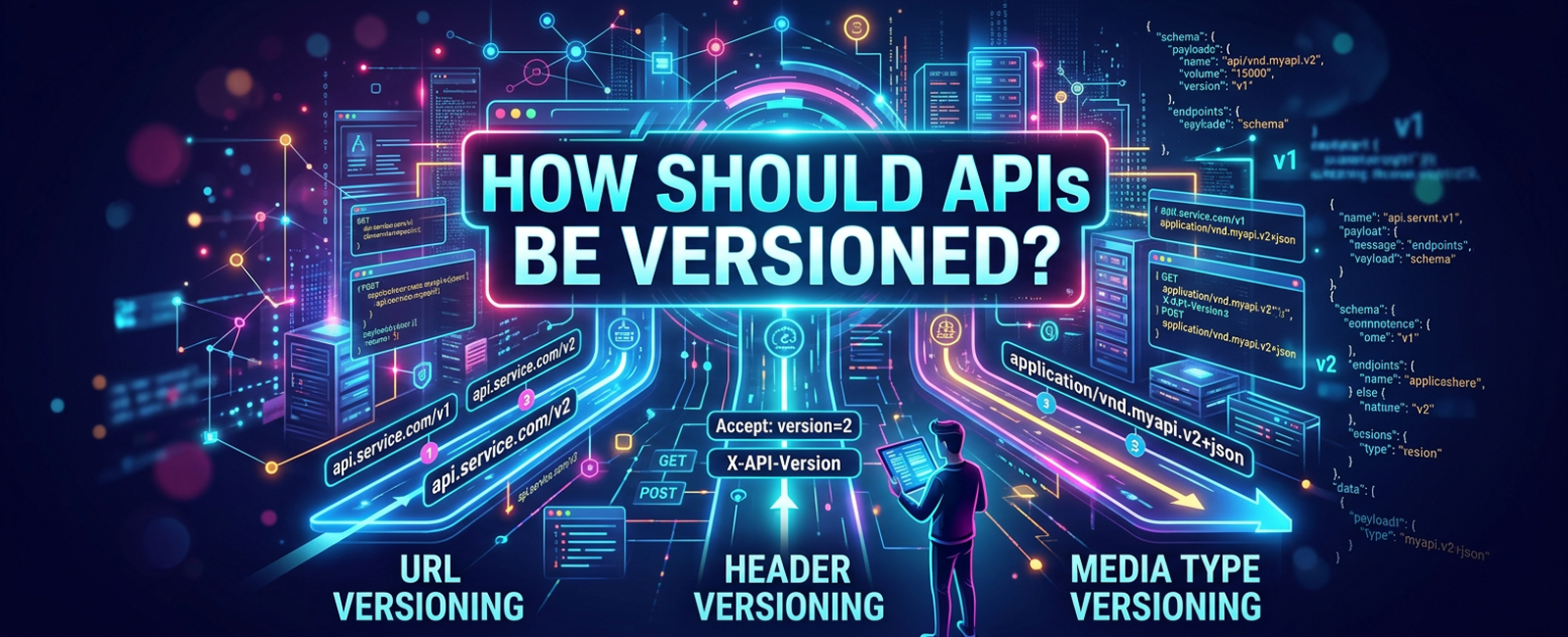
Interfaces change because businesses change.
Fields are added.
Authentication is updated.
Old workflows disappear.
A new ERP version may handle a record differently.
Good version management may include:
Backward-compatible changes where possible
Clearly named interface versions
Deprecation periods
Consumer inventories
Usage monitoring
Migration documentation
Contract tests
Never remove an old API merely because engineering believes nobody uses it.
Measure traffic.
Know the consumers.
Then retire it.
This matters even more when external partners, mobile apps, or customer software depend on the interface.
Monitoring Should Show the Business Problem
Technical monitoring may tell you:
API response time
Error rate
Authentication failures
Request volume
Queue depth
Retry count
Good operational monitoring should also reveal:
Orders waiting to reach ERP
Customers that failed to synchronize
Invoices missing from the portal
Failed inventory updates
Delayed fulfillment messages
A business manager does not care that endpoint /v2/orders returned 48 HTTP 500 errors.
They care that 48 paid orders have not reached fulfillment.
Connect the technical signal to the business consequence.
That changes how quickly problems get understood.
What Does an API Integration Project Look Like?
A practical delivery sequence might look like this:
| Phase | Main Question | Key Output |
|---|---|---|
| 1. Workflow Discovery | Where is information being re-entered, duplicated, or delayed across systems? | A process map showing handoffs, delays, and integration opportunities |
| 2. Ownership | Which application should be the authoritative source for each important record? | A clear data ownership and responsibility model |
| 3. Capability Review | What data, APIs, events, and actions do the ERP, CRM, and custom systems currently expose? | An API and integration gap assessment |
| 4. Contract Design | What should each API request, event, response, and error contain? | A documented interface specification and data contract |
| 5. Security | Which users, applications, and services are allowed to access specific data or actions? | An authentication, authorization, and access-control model |
| 6. Build | How should information and actions move reliably between connected systems? | Working integrations, APIs, events, and automated data flows |
| 7. Failure Testing | What should happen during timeouts, duplicate requests, unavailable systems, or partial failures? | Defined retry, recovery, reconciliation, and fallback behavior |
| 8. Observability | How will integration failures, delays, and unusual behavior be detected? | Centralized logs, metrics, alerts, dashboards, and traceability |
| 9. Pilot | Does the integrated workflow operate correctly with real users and production-like data? | Business validation and evidence that the workflow is ready to scale |
| 10. Rollout | Can manual handoffs and legacy processes be retired without disrupting operations? | A stable production process with automated system-to-system workflows |
Do not start by asking the development team to connect “ERP to CRM.”
That phrase hides too much.
Which records?
Which direction?
Which trigger?
Which fields?
Which system wins during conflict?
Which failure blocks the process?
Answer those first.
What Does a Real Connected ERP Outcome Look Like?
Deuex Solutions has published a manufacturing ERP case study covering a tailored system connecting inventory, production, sales, analytics, and operational management.
The published project reports a 40% increase in operating performance, a 20% reduction in unnecessary waste, and a 35% increase in productivity. Those outcomes relate to that particular project and should not be assumed for every ERP or API program.
The more useful takeaway is architectural.
Business value came from connecting operational areas around one working process.
An ERP sitting alone does not create that outcome.
The connections around it matter.
How Much Does API Integration Cost in Dubai?
There is no useful flat price.
A straightforward connection between two well-documented SaaS products may require relatively limited engineering.
Connecting an older ERP to CRM, custom operations software, several subsidiaries, and external partners is another project.
Cost is influenced by:
Number of applications
API quality
Legacy technology
Data cleanup
Authentication
Number of business rules
Transaction volume
Real-time requirements
Security
Testing
Middleware
Historical synchronization
Monitoring
Long-term support
Ask for estimates by workflow rather than by “number of APIs.”
One connection may expose fifty endpoints but require little business logic.
Another may use three endpoints while coordinating payments, stock, finance, and delivery.
Endpoint count tells you very little.
When Should You Use an iPaaS Instead of Custom Development?
An integration platform as a service can be a good choice when:
Most applications are established SaaS products
Prebuilt connectors exist
Workflows are straightforward
Volumes are manageable
Business teams need visibility
Speed of setup matters
Custom development may make more sense when:
ERP behavior is heavily customized
Legacy software has unusual interfaces
Transaction volume is high
Latency matters
Security rules are unusual
Business logic is distinctive
The workflow itself affects customer experience or revenue
Many businesses need both.
Use commodity connectors for commodity work.
Write custom software where the integration needs to understand how your company actually operates.
How Will AI Affect ERP and CRM Integrations?
AI agents do not eliminate API architecture.
They increase its importance.
An agent that can:
Retrieve an account
Check inventory
Create a quote
Update CRM
Open a support ticket
Schedule delivery
needs safe tools for each action.
Those tools are often APIs.
The difference is speed.
A person might make ten requests in an hour.
An automated agent can make thousands.
Interfaces designed for machine-driven workflows need:
Narrow permissions
Clear action definitions
Request limits
Reliable error responses
Audit logs
Approval rules for sensitive actions
An AI assistant should not receive unrestricted ERP access simply because it needs to check an invoice.
Design each capability deliberately.
The Company Stopped Counting
Three months after the first copy-and-paste exercise, the fictional distributor repeated it.
The result was not zero.
Some manual work remained because certain exceptions still needed judgment.
That was fine.
The difference was where people spent their time.
Sales no longer created customer records twice.
Finance stopped chasing operations for delivery references.
Operations stopped asking sales which customer record was current.
Customer service could see selected ERP and delivery information from one interface.
The company had not created one giant system.
It had created clear boundaries between several smaller ones.
That is usually what good API integration in Dubai should achieve.
Not more connections.
Fewer unnecessary handoffs.
Connect the Workflow, Not Every Database
ERP knows what happened financially.
CRM knows what happened commercially.
Custom software may know what happened operationally.
Those systems do not need to become one application.
They need to understand where responsibility begins and ends.
That is the real job of API integration.
At Deuex Solutions UAE, we help businesses connect ERP, CRM, portals, cloud products, mobile applications, data platforms, and custom software around actual workflows rather than building another layer of manual work.
For a deeper technical overview, read our API integration services guide.
A successful integration is not one where every system talks to every other system. It is one where employees stop carrying information between them.
What is API integration?
API integration connects software applications through defined interfaces so they can exchange data or trigger actions automatically. A business might connect CRM with ERP, ERP with a customer portal, or custom software with finance and inventory systems.
How do ERP and CRM systems work together?
CRM usually manages leads, opportunities, sales activity, and customer relationships. ERP manages financial and operational transactions such as orders, invoices, stock, and payments. APIs allow selected information to move between them without requiring both systems to own the same records.
How long does an ERP or CRM integration take?
A simple SaaS connection may take days or weeks. Complex ERP integration can take much longer when the project involves legacy software, custom workflows, several entities, data cleanup, security, high transaction volumes, or historical migration.
Should ERP and CRM data sync in real time?
Not always. Real-time synchronization makes sense when the business needs immediate information. Reporting, historical records, or non-urgent processes may work better through scheduled or asynchronous processing.
What should I look for in an API integration company in Dubai?
Look for a team that asks about data ownership, business workflows, ERP and CRM capabilities, failure handling, security, monitoring, versioning, and long-term support. A provider that talks only about endpoints may be overlooking the difficult part of the project.